Skip to content
Features / On-site operations

Doors open.
You’re ready.

Turn your phone into a box office. Take Tap to Pay sales, scan tickets, and connect RFID credentials to your guest list. Keep the whole night in one system.

Tap to Pay. No extra payment hardware.

Explore integrated hardware
9:41 100%
attendee POS

Night Garden

Box office

General admission × 2

$40.00 per ticket

Total $80.00
Ready for a tap
Tap to Pay
Take cash
9:41 100%
attendee Scan
Night Garden Door A

You’re in.

Devin Park

General admission

Checked in 412 / 1,180
attendee POS + attendee Scan · Illustrative screens

Mobile box office

Tap. Paid.
Next guest.

Choose the tickets, take a contactless card or digital wallet payment, and finish the sale on a supported phone. Tap to Pay uses the phone itself, so there’s no separate card reader to buy or carry.

Taking cash? Record it in the same app. Every box-office sale joins your online orders, with card payments going directly to your Stripe account.

  • Phone-based Tap to Pay
  • Cash and walk-up ticket sales
  • One order history for online and on-site sales

Your phone is the card reader.

Box-office sale · Illustrative product view

Entry and credentials

Less time in line.
More time being there.

Entry stationScanning

Scan result · Illustrative product view

Scan the ticket. Welcome the guest.

Read barcodes and QR tickets from a phone, wallet pass, or printout. Give staff a clear admission result, flag duplicate tickets, and track the door count as guests arrive.

Use the scanner app at a small door, or dedicated barcode scanners for busier entrances.

Night Garden · Guest credential

Devin Park

General admission

WRISTBAND 00412

Credential linkedRFID
RFID credential association · Illustrative view

A wristband with a guest behind it.

Associate an RFID wristband or pass with a guest’s ticket. Read the credential at your station, link it to the right person, and replace it when needed.

RFID stations use compatible readers and credentials, connected to the same guest records as your ticket sales.

Integrated hardware

Ready for a
full house.

Start with your phone. Add dedicated scanners and payment readers for your busiest nights. These devices work with attendee, keeping your ticket sales and guest list together.

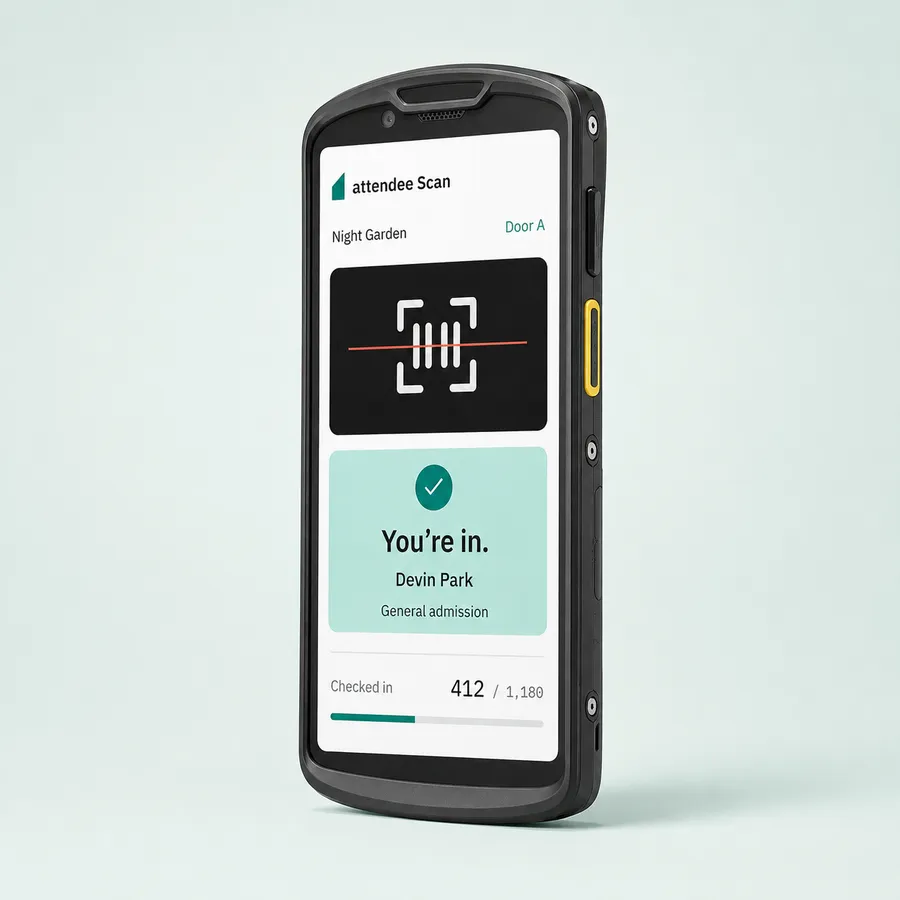
Studio mockup of a Zebra TC58 showing attendee Scan with a successful ticket check-in.

Dedicated ticket scanning

Zebra TC58

Put attendee Scan in your door team’s hands on a rugged handheld built for busy entrances.

  • Built-in barcode scanner
  • Clear admission results on screen
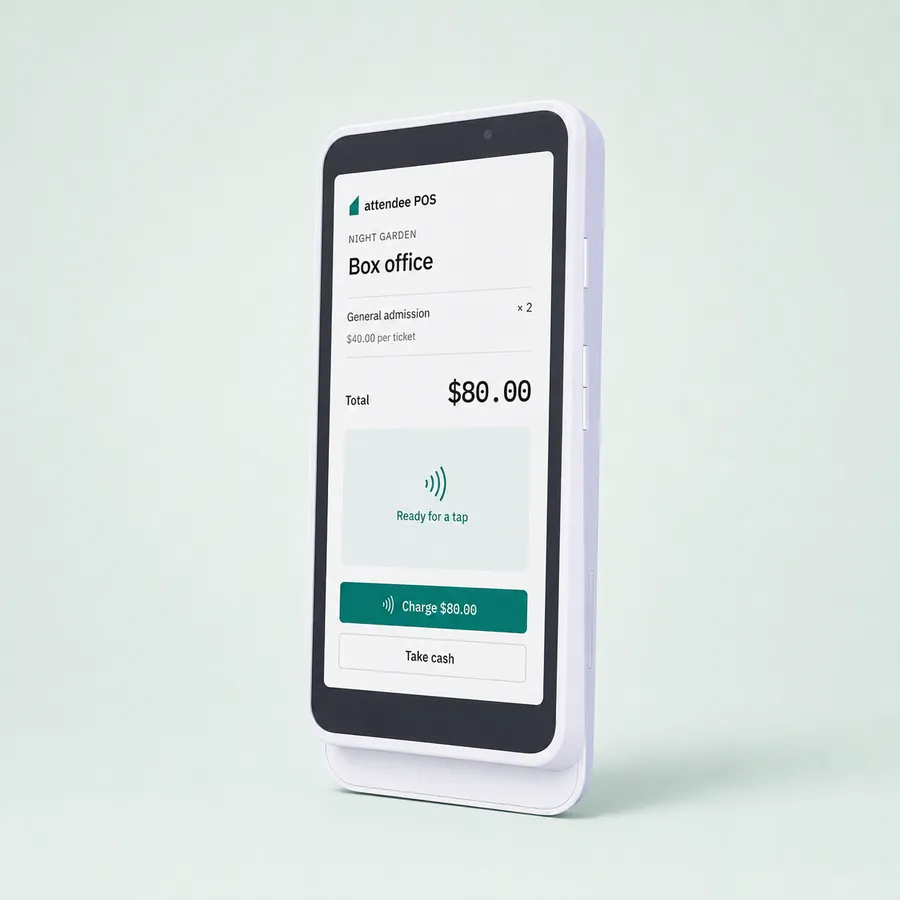
Studio mockup of a Stripe Reader S700 with the attendee POS app showing an $80 ticket sale.

POS and payments in one

Stripe S700 / S710

Run attendee POS right on the reader. Select tickets and take payment from the same touchscreen.

  • attendee POS on the device
  • Handheld or countertop ticket sales
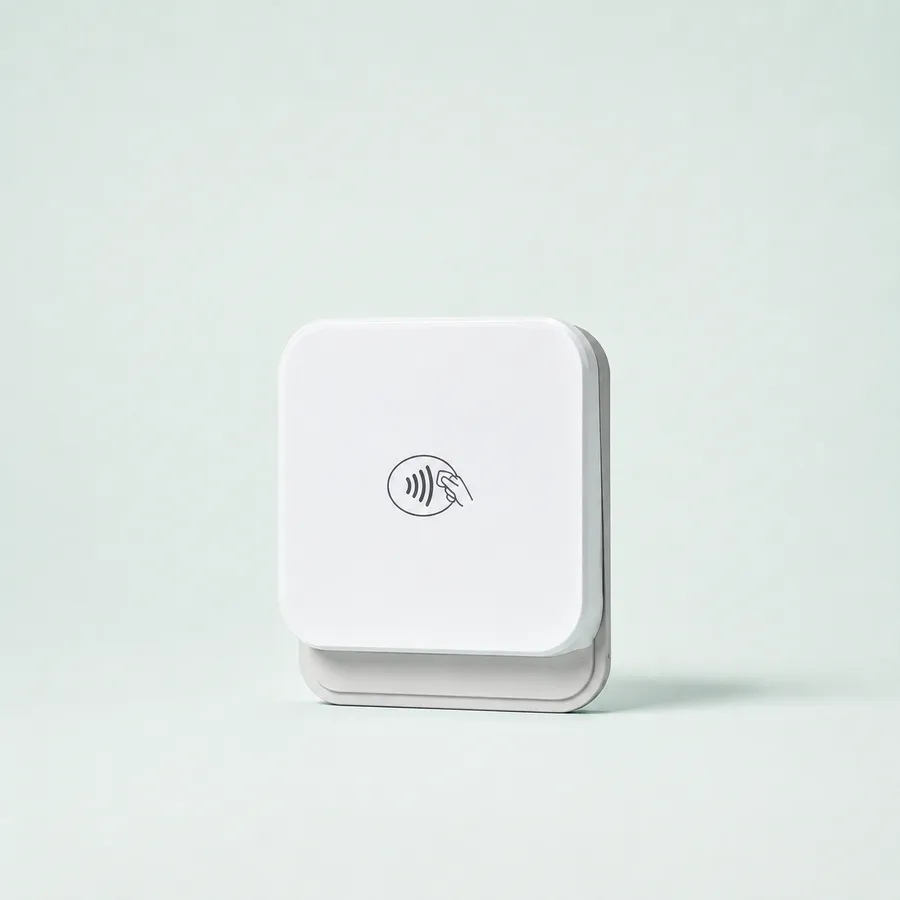
Studio mockup of the compact white Stripe Reader M2 on a pale mint background.

A compact payment companion

Stripe Reader M2

Pair a pocket-sized card reader with attendee POS on your phone or tablet for walk-up sales.

  • Connects to your POS over Bluetooth
  • Tap, insert, or swipe a card

Product mockups shown with demo data. S700 pictured.

Find the right setup for your event

Bring your team. Open your doors.

Phone-based box office, barcode and QR scanning, and RFID credentials for the night ahead.

Request access